Use the approved PPE matrix
Keep the work area, role, task context, and employer-approved gear category connected. A qualified site reviewer owns the decision.
 Open the interactive demo
 Safety leads and workers
A hazard-assessment-linked PPE review with fit/issue evidence and open replacement checks.
Use this product on its own. Sentinel can later summarize source-owned signals across the suite.
Sentinel is optionalSAMPLE PREVIEW · Sample data only · not connected to employer or product records.

PPE PROGRAM · ROLE-BASED ISSUE · CONDITION CHECKS
X3 PPE is designed to organize site-approved gear categories, role-based issue and return, visual condition checks, and replacement follow-up—so the next shift knows what needs attention.
Local sample only · no employee, medical, fit-test, or employer records.
No live PPE policy, issue, inspection, roster, or employer record is connected.
FROM WORK RULE TO READY GEAR
Make the everyday PPE program easier to follow: what a role needs under an approved site rule, what was issued, what condition needs a closer look, and who owns the next step.
Walk through the sample PPE queueKeep the work area, role, task context, and employer-approved gear category connected. A qualified site reviewer owns the decision.
Organize issue, return, and replacement review by role and area—without turning this sample into a live employee roster.
Give teams a repeatable visual check against equipment instructions and an obvious owner for anything that needs review.
Keep the next question and responsible role in view. A real program still needs an authorized review and actual site process.
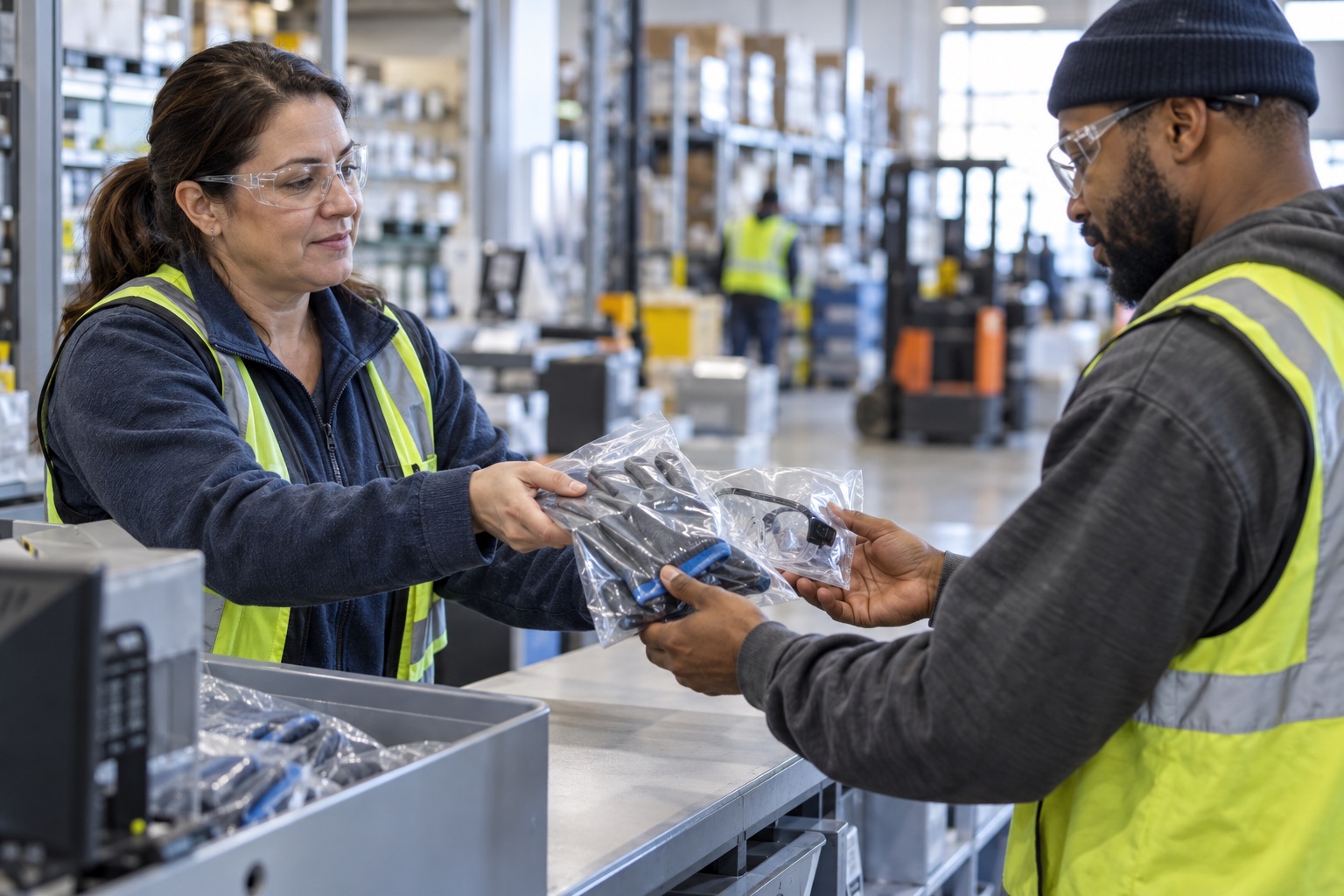
GEAR PEOPLE CAN FIND, UNDERSTAND, AND CHECK
Keep approved categories, point-of-use handoffs, condition prompts, and replacement ownership together. Leads can see where a gear question belongs without confusing PPE with the machines and assets around it.
The sample shows no actual issue, worker record, or PPE determination.
BUILT AROUND THE PPE HANDOFF
Put the field workflow in plain view for the people who issue, inspect, wear, and replace personal protective gear.
Organize example workflows by work group, area, and employer-approved gear category.
Give a visual-check prompt an owner and a simple path to follow-up against manufacturer guidance.
Keep a reported concern visible for authorized review and replacement through the actual site process.
Separate the site’s approved PPE decision from a preview status or an automated product suggestion.
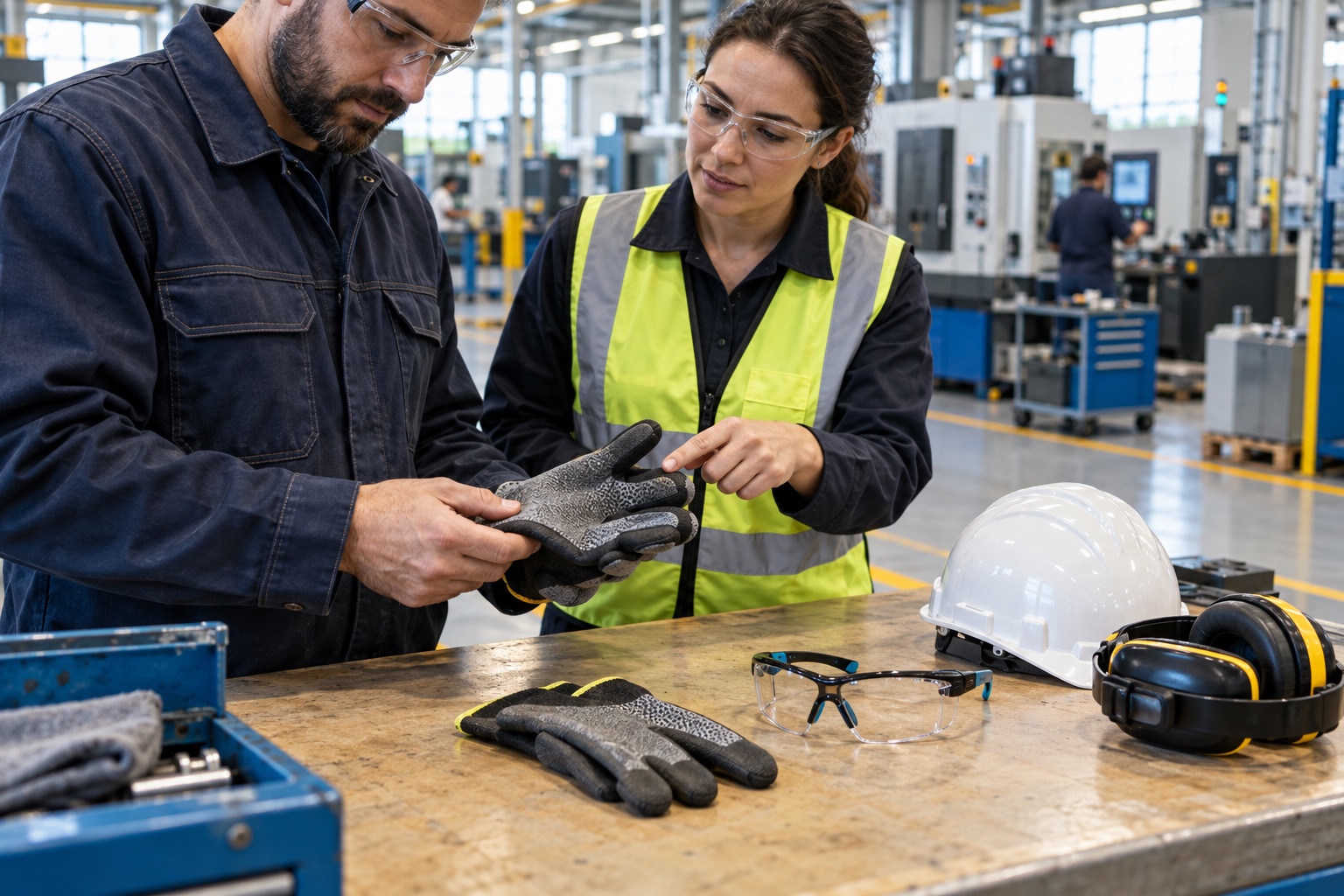
HUMAN REVIEW STAYS IN CONTROL
The employer’s qualified reviewer selects appropriate equipment for actual hazards, tasks, compatibility, fit, and applicable requirements. Manufacturer instructions and the site’s approved program remain authoritative.
CLEAR PRODUCT OWNERSHIP
X3 PPEPersonal protective gear issue, visual condition checks, and replacement workflow.
X3 EquipmentBroader workplace equipment and asset management—not personal protective gear issue.
X3 HazardsTask-level hazard analysis and site-owned control review that informs PPE decisions.
X3 ExposureIndustrial-hygiene monitoring plans and qualified review of exposure evidence.
The Workplace Safety family is designed to connect through permissioned shared services. This local sample does not connect to Brain, Genome, Gateway, another X3 product, or employer data.
TRANSPARENT LAUNCH STATUS
We are shaping plans around sites, work groups, issue volume, review roles, and implementation. We will publish the included workflows before asking teams to pay.
Future plans should state what is included and how sites and work are counted. No paid capability is implied here.
STRAIGHT ANSWERS
Keep site-approved protective-equipment categories, issue and return workflow, visual condition checks, and replacement follow-up organized by work area and role. The sample workspace contains examples only—not a live PPE program.
No. A qualified employer reviewer must select and approve protection based on the actual task, hazard assessment, equipment instructions, fit, compatibility, and applicable requirements. The product preview makes no PPE recommendation or compliance determination.
X3 PPE focuses on personal protective gear issue, condition, and replacement. X3 Equipment owns broader workplace asset and equipment workflows; X3 Hazards structures task hazard reviews and controls; X3 Exposure supports industrial-hygiene monitoring. The previews do not share live records.
No. It uses role-based sample rows only, with no employee names, roster, fit-test result, medical information, employer policy, account, checkout, or persistence. Those sensitive boundaries require explicit product, security, privacy, and legal review before launch.